
Beacon Systems
Helping users move from discovering AI resources to applying them.
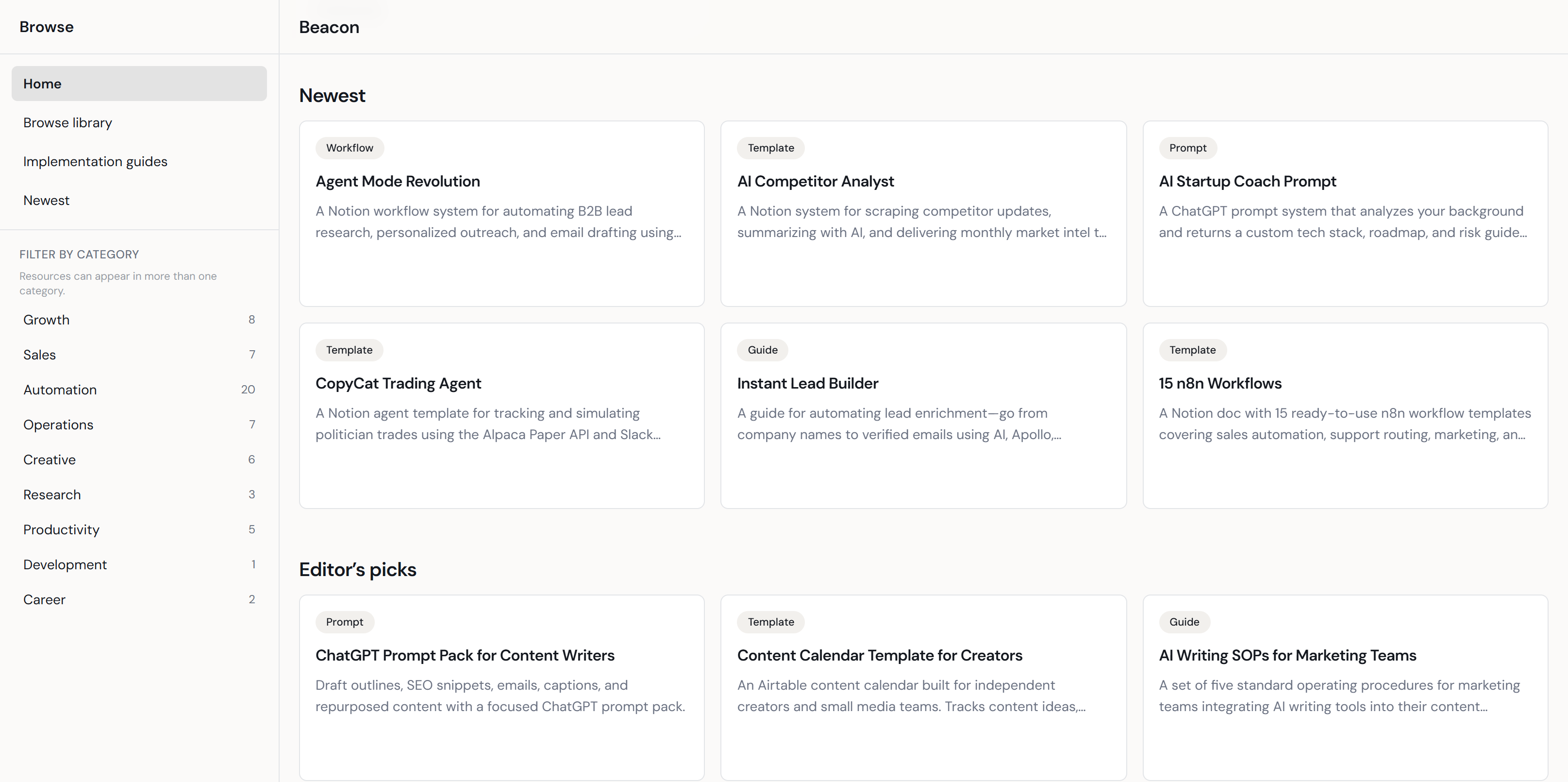
The short version
Useful AI resources were scattered across a system not designed for implementation.
LinkedIn had become a major place to find AI tools, prompts, and workflows. But the platform was built for content discovery, not for helping people collect, organize, compare, and apply resources over time.
Two friction points shaped the product direction.
Discovering resources reliably
Access depended on feed timing, creator networks, comments, and search behavior.
- Follow the right creators
- Comment to unlock links
- Catch posts before they disappeared
- Know exactly what to search for
Knowing what to do next
Saving a resource did not explain how to turn it into action.
- When to use it
- How it fit into a larger workflow
- What to do after opening the link
- Why one resource mattered more than another
People do not just adopt a tool. They adopt a clearer direction that includes one.
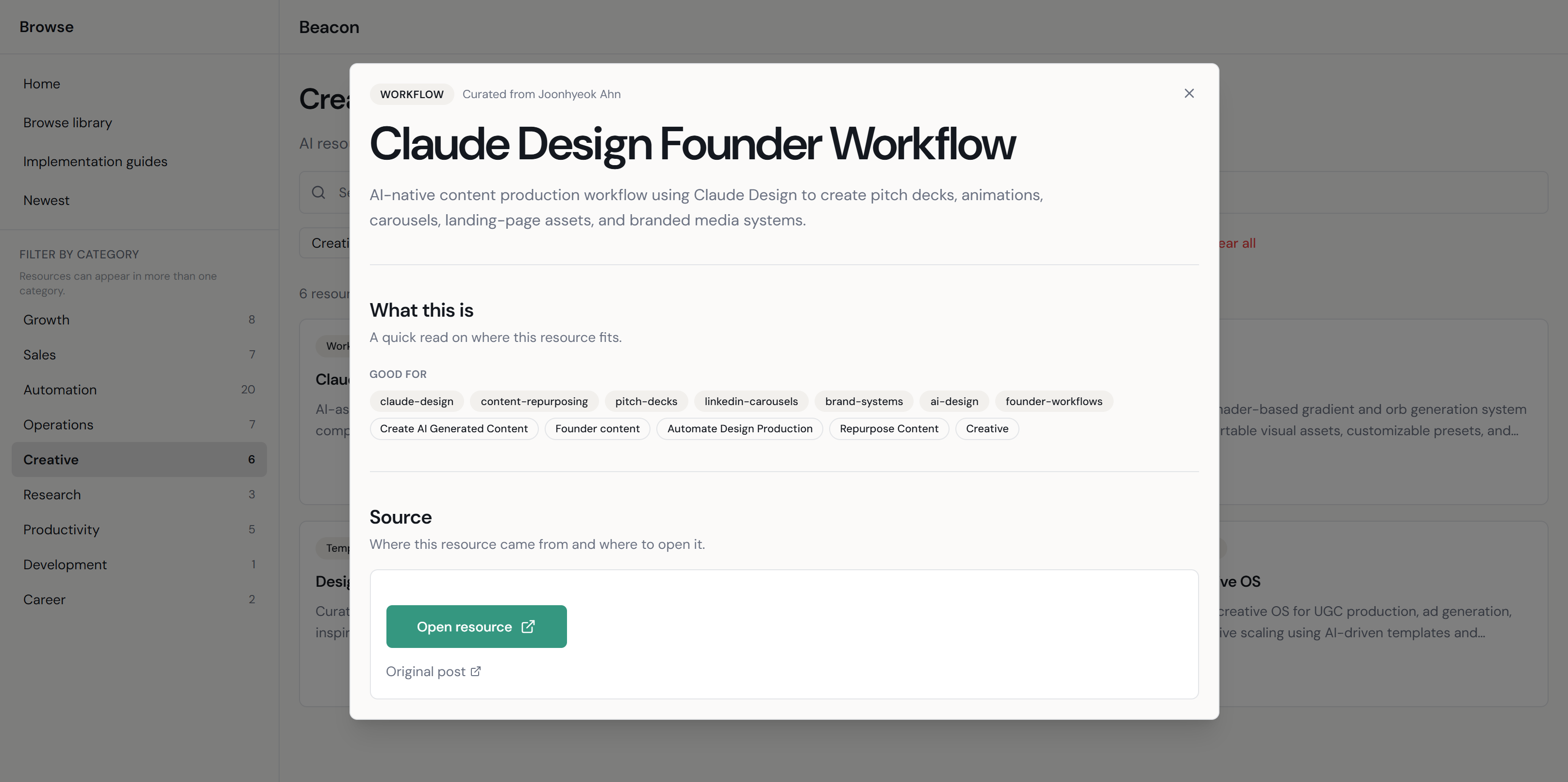
A searchable AI resource library and guide system that helps users find relevant resources, understand their purpose, and move from discovery to practical use.
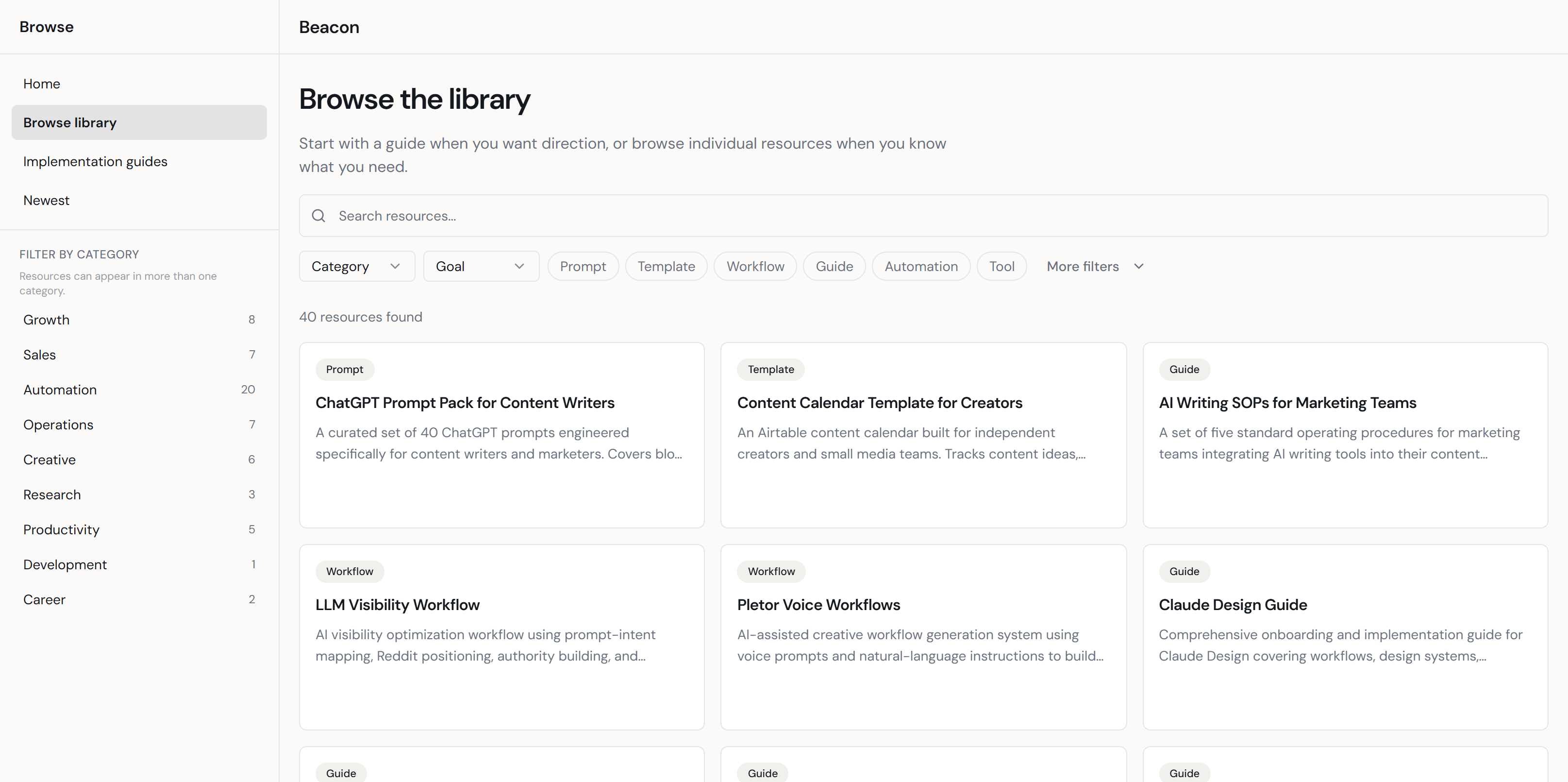
Resource Library
- Centralized scattered AI resources into one browsable destination
- Supported search, filtering, and category-based discovery
- Preserved the library context while users opened resource details
- Created the foundation for deciding which resources belonged in workflows
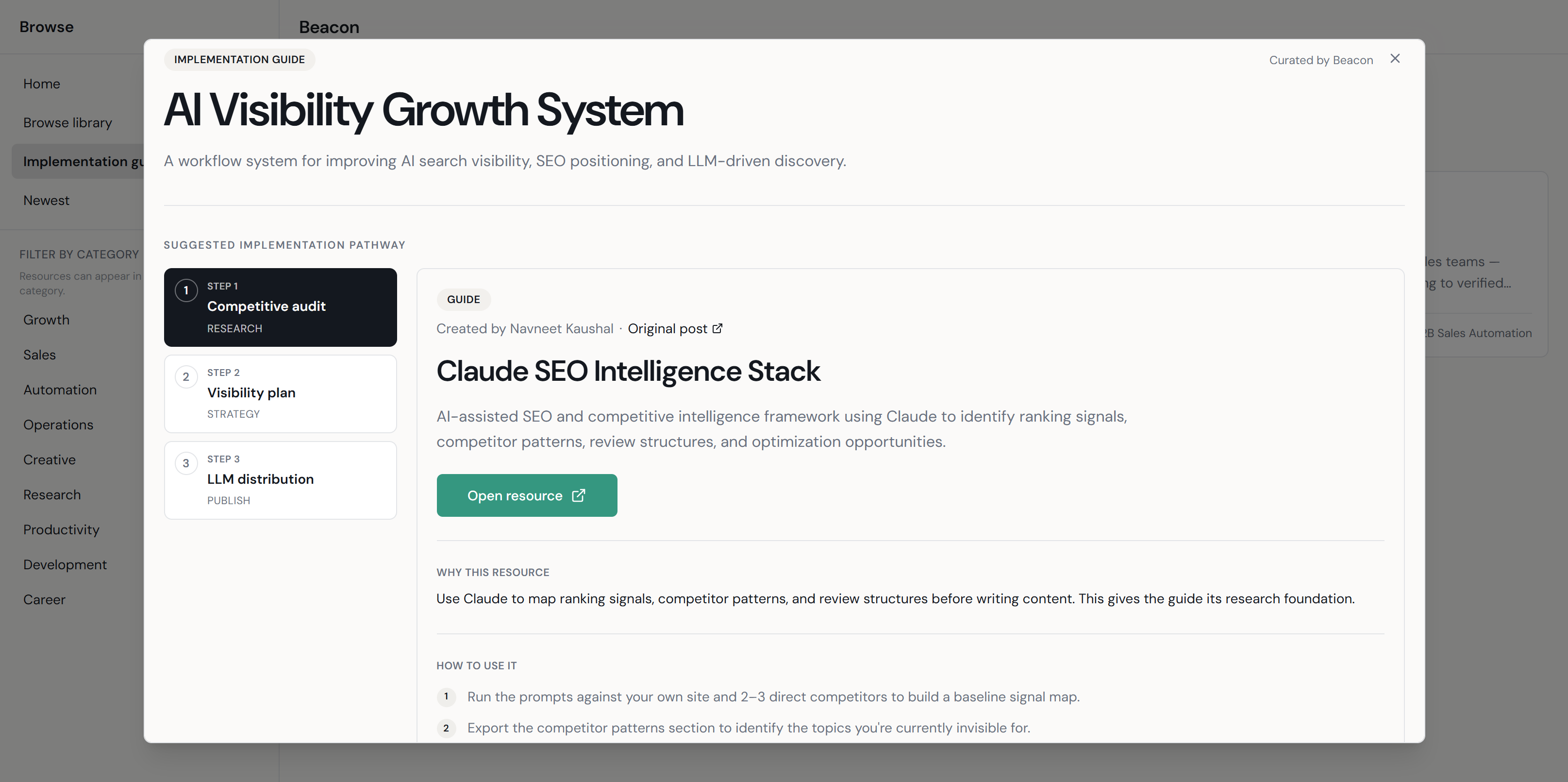
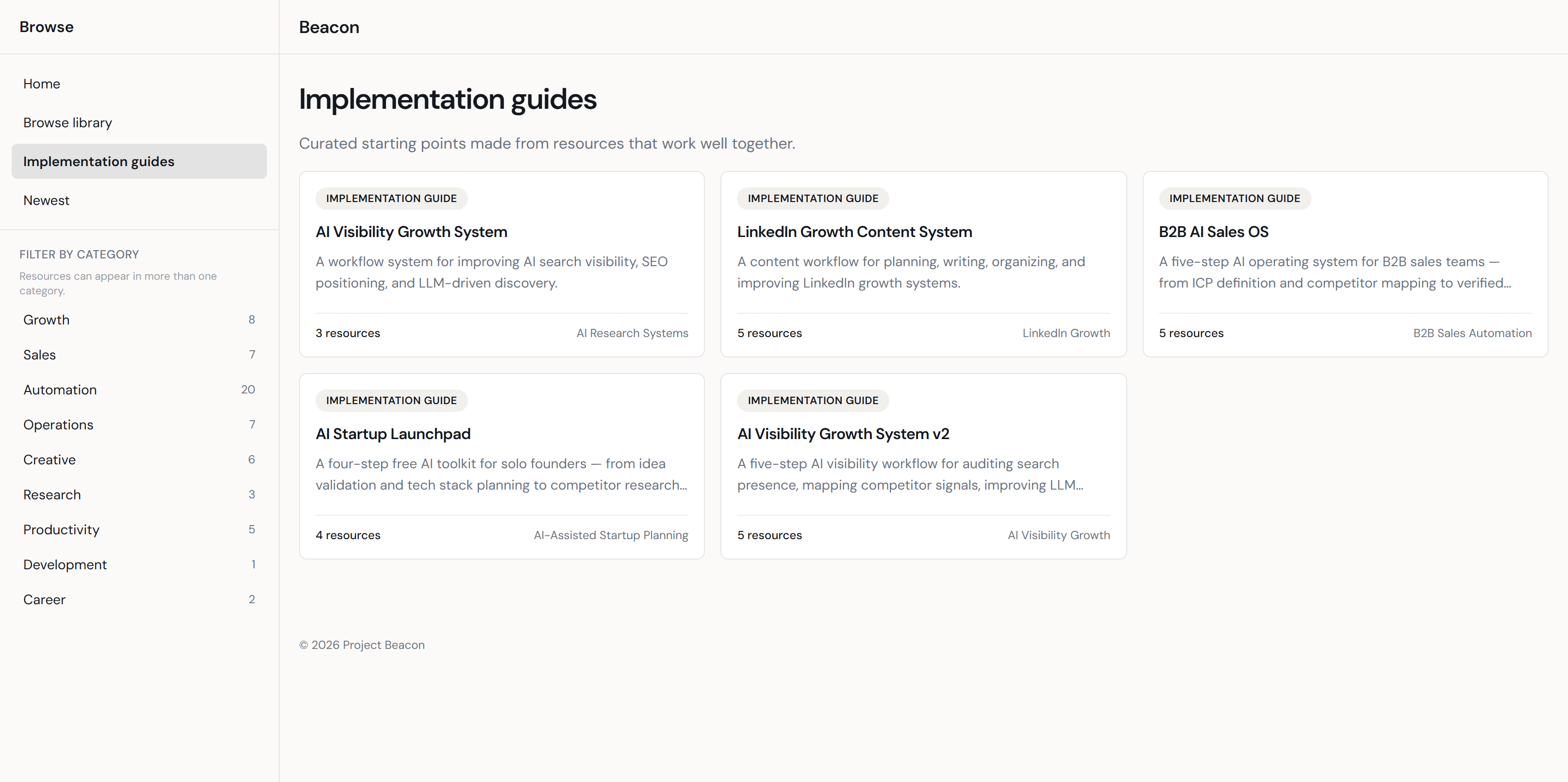
Implementation Guides
- Sequenced selected resources into guided workflow paths
- Explained what each resource does, what it supports, and how to use it
- Added context for users who needed direction, not just another saved link
Manual QA and iterative review replaced formal usability testing in this MVP phase.
Beacon’s current validation approach reflects its stage: a manually curated MVP without a formal testing cohort. Rather than running moderated usability sessions, I used structured QA passes to identify and resolve issues across the library.
Reviewed all library resources for broken or redirected URLs. Flagged and updated entries that no longer resolved correctly.
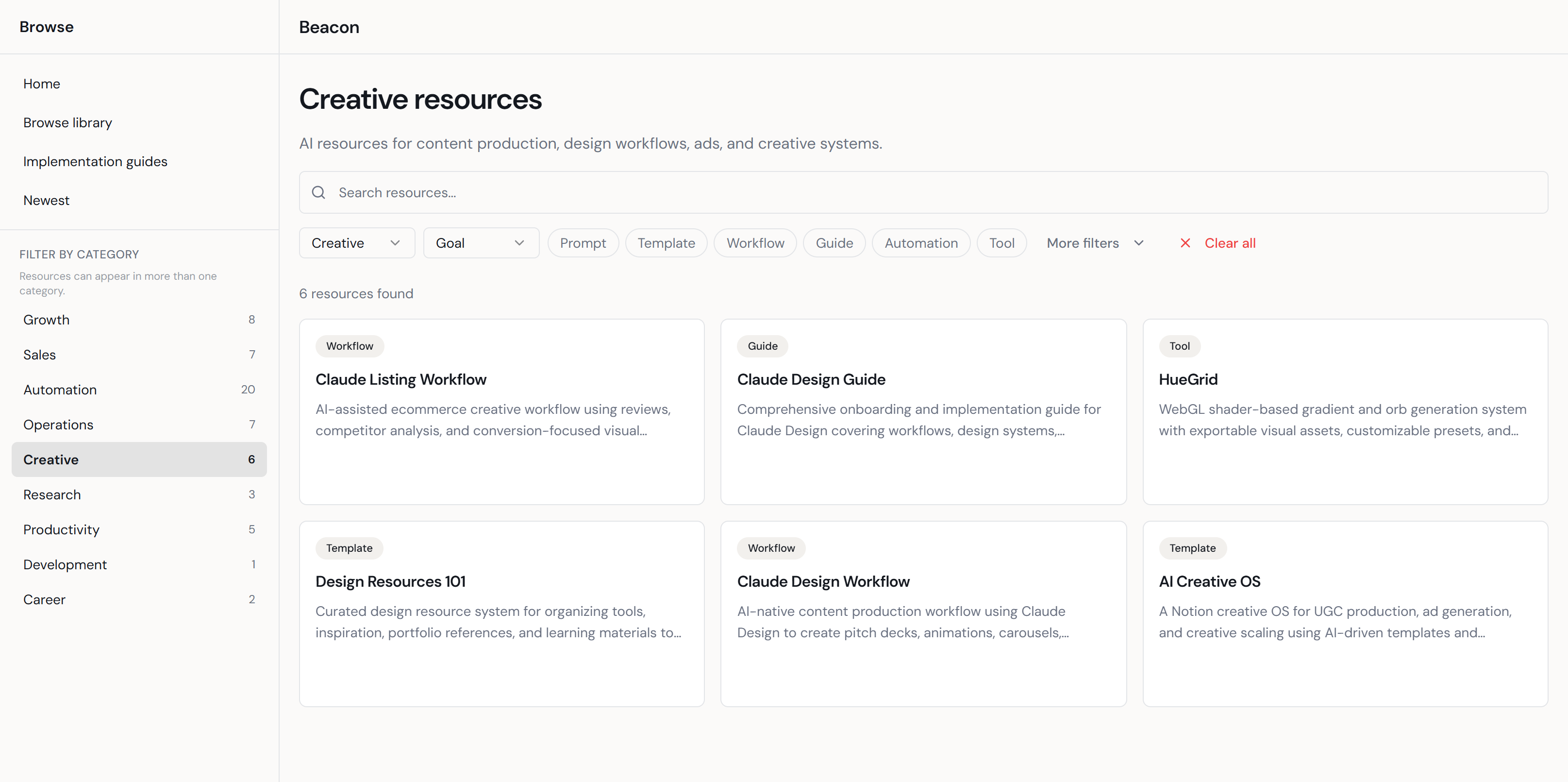
Verified that resource counts in the sidebar matched the actual filtered results for each category. Fixed mismatches found during review.
Confirmed description, use-case, and guide content for accuracy and consistency across resource entries in the library.
Ensured step structure and formatting are consistent across all guides. Each guide covers what it is, what it supports, and how to use it.
Validated the browse library and modal views across desktop and mobile breakpoints. Confirmed no layout breaks in key interactive states.
Formal usability research, creator attribution verification, and automated link-freshness monitoring are scoped for a future iteration. They are not claimed as complete in this version.
Beacon taught me that solving a discovery problem often reveals a deeper context problem. Honest constraints make better products than overclaimed features.
Discovery problems are often context problems
The core friction was not that users could not find AI resources. It was that they could not evaluate or act on them once found. Reframing from “where to find links” to “how to understand and use them” changed the entire product direction and led directly to the implementation guide system.
MVP scope requires honest constraints
Beacon’s first version works for a manually curated, QA-reviewed library. Scaling creator attribution, link freshness verification, and community contribution are open problems. Not solved ones. Designing within that constraint produced a more trustworthy and useful product than overclaiming would have.